
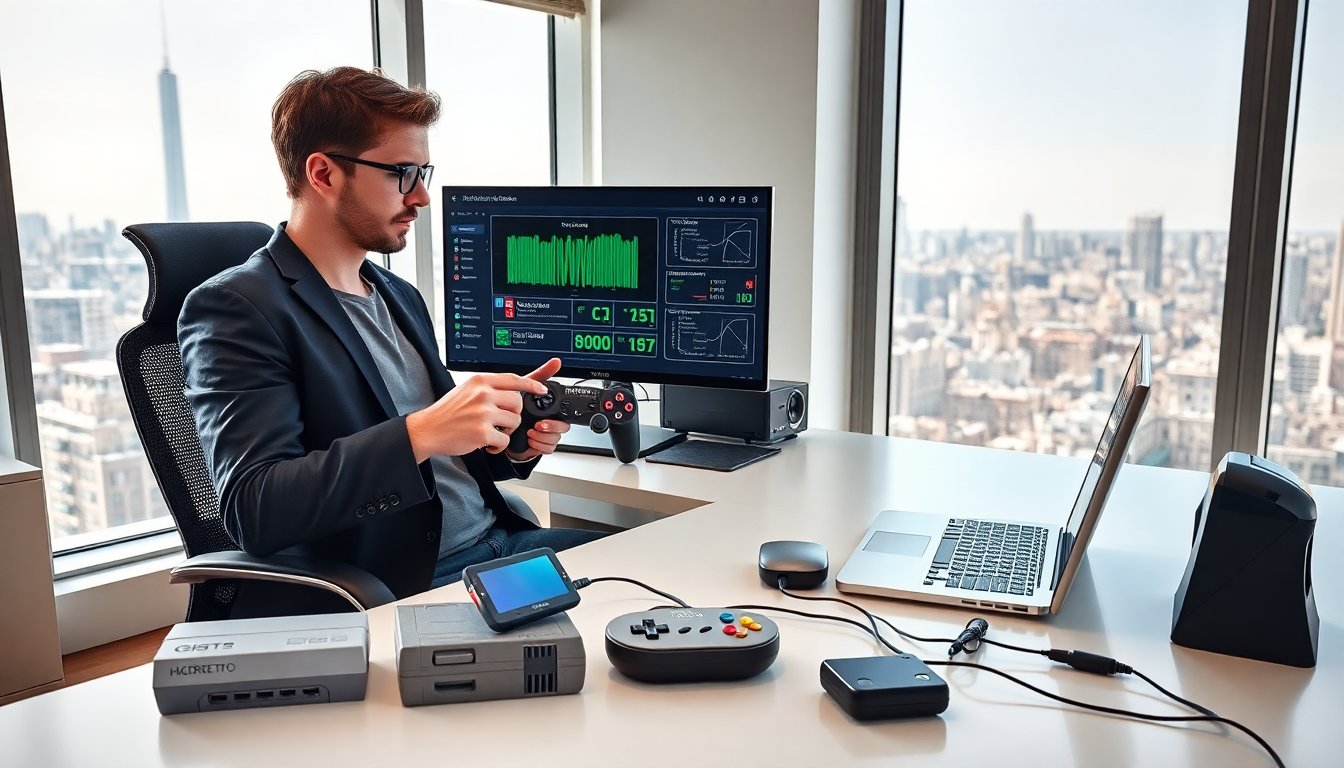
HMCDretro old school games from harmonicode brings old console feel to modern PCs and handhelds. The project revives cartridge-era sound and low-latency input. It targets players who want authentic play. This guide explains what HMCDRetro is, how it improves audio and visuals, how to install it, and where fans share mods and playlists.
Key Takeaways
- HMCDRetro by Harmonicode delivers authentic old school gaming by emulating classic consoles with precise timing and cartridge-era sound on modern PCs and handhelds.
- The software enhances audio, visuals, and input responsiveness using custom filters, shader chains, and frame-delay compensation to closely replicate original hardware behavior.
- Installation is straightforward with guided setup, checksum verification, and separate configuration management to ensure a safe and optimized user experience.
- HMCDRetro supports Windows, Linux, and select handheld devices while offering troubleshooting tips like safe mode and controller recalibration to fix common issues.
- The active HMCDRetro community shares curated mods, playlists, and ROM collections, fostering engagement through events, streaming tips, and regular updates.
- Streamers and event organizers benefit from HMCDRetro’s low-latency mode and playlist export features, ensuring smooth, authentic gameplay for competitive and casual retro gaming.
What Is HMCDRetro And Why It Matters To Retro Gamers
HMCDRetro is a software suite from Harmonicode. It emulates classic consoles and adds tuned audio and input handling. The project focuses on preserving original timing and feel. Retro gamers use HMCDRetro to get closer to the original experience than standard emulators. HMCDRetro reduces input lag and matches original frame pacing. The team updates the code to support new platforms and recent controllers. Many users call HMCDRetro the go-to choice for accurate play and faithful sound. HMCDRetro supports save states, shader packs, and controller mapping.
Signature Features That Make The HMCDRetro Experience Unique
HMCDRetro bundles precise timing code, audio filters, and visual shaders. The package lets players pick low-latency modes or visual enhancements. Its profiles store console-specific settings. HMCDRetro uses per-system patches that match original hardware quirks. It adds rollback input when network play needs it. The interface stays simple so users can switch systems quickly. HMCDRetro also ships with a controller calibration tool and a DSP filter set. These features aim to reproduce cartridge-era quirks while letting players use modern displays and pads.
Audio, Visual, And Input Enhancements Explained
HMCDRetro applies audio filters that match original console speakers. The filters adjust bitrates, bleed, and frequency response. The visuals use shader chains that recreate scanlines, CRT glow, and pixel blending. The shaders let users dial strength and color profile. The input system reads modern controllers and maps them to original button layouts. The system adds frame-delay compensation so timing feels right. Players test audio and visuals with included sample ROMs. The presets give quick starting points for CRT, LCD, and handheld-style looks.
How To Install, Configure, And Run HMCDRetro Safely
Users download HMCDRetro from the official Harmonicode release page. They verify the checksum before running installers. The installer guides users through library location and controller setup. The software requests permission only for storage and input. Users create a dedicated folder for ROMs and saves. HMCDRetro keeps configuration files separate from ROMs. The program backs up settings automatically after major changes. Users should update GPU drivers before enabling advanced shaders. HMCDRetro logs errors to a file for debugging and support.
Compatibility, Common Issues, And Troubleshooting Tips
HMCDRetro supports Windows, Linux, and select handheld Linux devices. It lists supported controllers and GPUs on the release notes. Common issues include black screens from incompatible shaders and audio pops from wrong sample rates. The team suggests switching to a safe mode that disables shaders and filters. Users fix controller mapping by resetting profiles and recalibrating the stick deadzone. If saves fail, users check folder permissions. The logs show missing libraries or driver errors. Harmonicode posts specific fixes in the release notes and issue tracker.
Top Mods, ROMs, Playlists, And Curated Retro Collections To Try
The HMCDRetro community builds curated playlists for platform runs and high-score sessions. They share modded soundtracks and visual packs that pair with HMCDRetro shaders. Fans recommend archive-safe ROM collections that keep metadata and box art. The software supports playlist export and import for tournament setups. Players combine game patches with region fixes to test original difficulty levels. Community curators tag collections by console and genre for easy discovery. For background reading on the resurgence that feeds interest in projects like HMCDRetro, the site covers how nostalgia fuels modern play in a detailed feature.
Community, Events, Streaming Tips, And Where To Stay Updated
The HMCDRetro community posts builds, mods, and event schedules on forums and social pages. Streamers use HMCDRetro low-latency mode to keep input tight and audio true. They capture clean HDMI output and add shader passes in the stream encoder. Event organizers use playlist exports to standardize brackets. Fans announce meetups and challenge runs on major retro threads. For context on competitive video gaming growth, a detailed piece links the rise of esports to broader pop-culture trends. Readers who want in-depth context on retro revival find ongoing coverage and updates on the project page.

