
Harmonicode Guides for New and Casual Gamers give clear, practical steps so beginners start playing smarter in 2026. They focus on controls, settings, and small routines that produce visible gains in days. Readers learn which hardware matters, which options to change first, and how to join communities safely. This article maps what to expect, short training habits, and realistic entry points into competitive play while keeping accessibility and budget top of mind.
Key Takeaways
- Harmonicode guides offer beginners clear, example-driven steps focused on controls, settings, and hardware to improve gameplay quickly in 2026.
- Adjust one control or setting per session and play 20–30 minutes to analyze improvements effectively without over-tuning.
- Enable forgiving and accessibility options like aim assist and slowed timing to ease learning and create a fairer difficulty curve.
- Invest in reliable, budget-friendly hardware such as wired mice with quality sensors and durable controllers to enhance performance without overspending.
- Practice short, focused sessions with measurable goals and simple drills like wrist rotations and breath pacing to see visible progress within a week.
- Join friendly gaming communities safely by using unique passwords, enabling two-factor authentication, and engaging with mentors to gain targeted feedback and competitive experience.
What To Expect From Harmonicode Guides
Harmonicode guides deliver step-first, example-driven advice that a new player can apply in a single session. Expect three concrete outcomes: clearer controls, faster improvement, and a fairer difficulty curve. Each guide explains a mechanic with one short drill, one setting to change, and one budget choice to try.
Readers will find coverage of esports, casual titles, and retro games, with a focus on performance and accessibility. The site’s editorial approach, called the gaming harmonicode, frames balance as dynamic: systems that adapt to the player rather than forcing a single skill ceiling. That philosophy shows up in guides that recommend forgiving modes, pacing tweaks, and rhythm adjustments for music games.
Harmonicode also catalogs practical how-tos across the ecosystem. For a central overview of the site’s scope and coverage, consult the pillar page on site coverage. For players who want a quick, modern video-focused primer, the hmcdgamers video offers step-by-step tips for streaming and leveling up fast.
Essential Controls, Settings, And Hardware For Beginners
Set the right control and sensitivity first. A simple rule: change one input or setting per session and play 20–30 minutes to test it. This avoids over-tuning and keeps progress measurable.
Start with basic input hygiene: a clean mousepad, neutral grip, and a two-finger rest on controller shoulders for comfort. For keyboard users, set repeat rates to default and map one action to a nearby key, that reduces reach and reaction latency. On consoles, verify dead zones and button mapping in the accessibility menu.
Harmonicode’s gear advice favors durability and familiarity over shiny specs. New players are advised to choose reliable, budget-focused mice, wired controllers for stable input, and a compact headset with clear voice pickup. For setup improvement and practical ergonomic tips, consult the Harmonicode piece on improving your setup.
Recommended Input, Performance, And Accessibility Settings
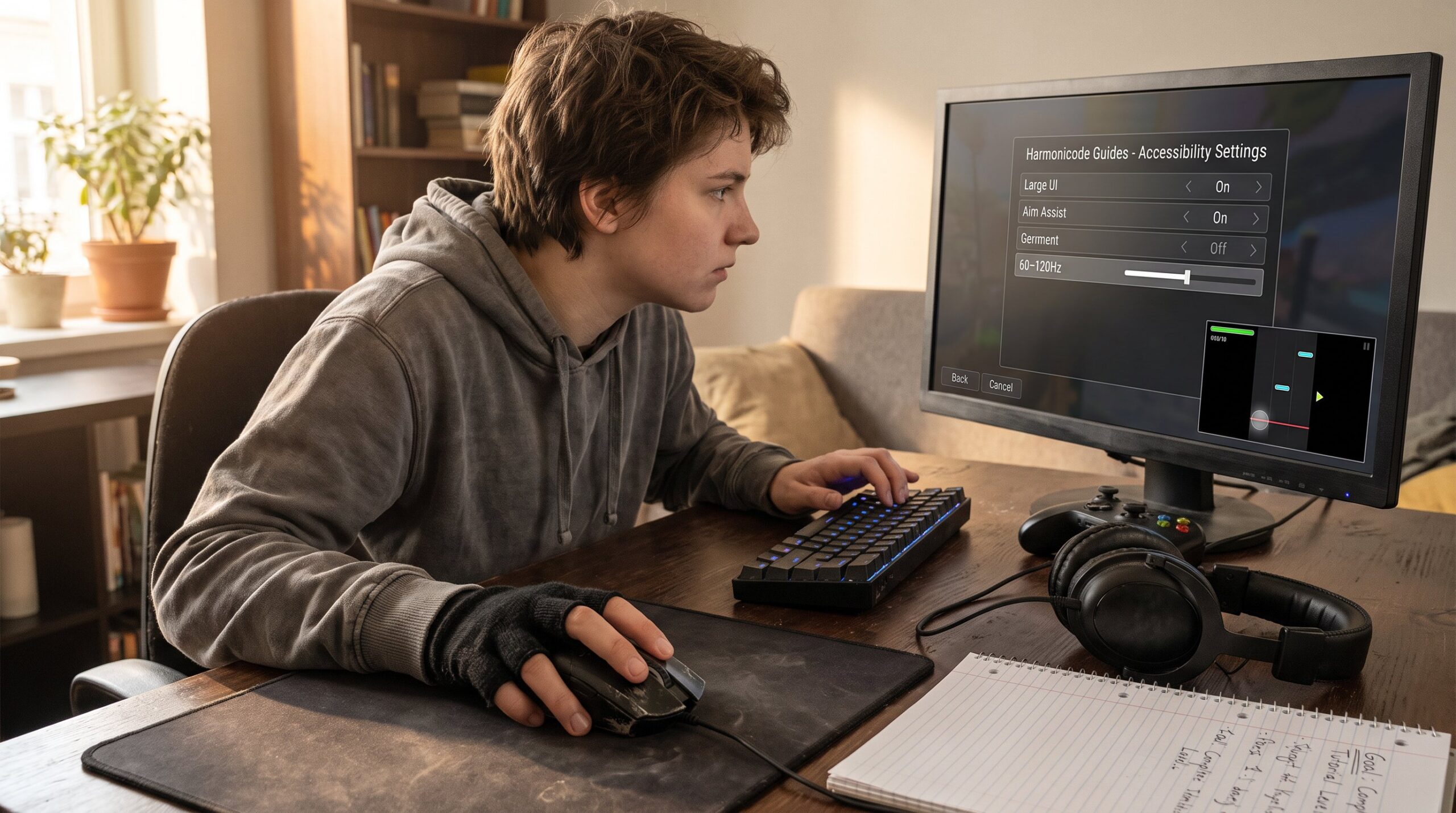
Turn on forgiving options first. The core fact: accessibility settings accelerate learning by widening the margin for error. Beginners should enable aim assist where available, lower responsiveness or pacing to match reaction comfort, and activate any ‘wait’ or slowed-timing modes in rhythm titles.
Performance-wise, prioritize stable frame rates over ultra visuals. Set refresh-rate targets (60 fps for consoles, 60–120 fps for many PC titles) and cap settings that cause drops. If playing competitive shooters, start with medium graphics and a 60–120Hz monitor. For a concise guide to PC basics that backs these claims, the PC Gamer primer explains why stability matters more than ray tracing for beginners.
Accessibility settings to try today: larger UI, simplified input schemes, and reduced camera shake. Small changes like these often convert a frustrating session into a learning one.
Choosing Affordable Hardware And Peripherals That Last
Buy dependable, proven models rather than chasing niche prosumer items. The key decision: spend where it affects play, a reliable mouse sensor or a controller with solid haptics, and save on cosmetics.
Concrete picks: a wired midweight mouse with a PixArt sensor, a quiet mechanical keyboard with tactile switches, and a breathable headset with detachable cable. For controllers, prioritize official or well-reviewed third-party pads known for durability. Expect to pay roughly $40–80 for a long-lasting mouse, $50–100 for a comfortable headset, and $40–70 for a sturdy controller.
Harmonicode’s gear philosophy favors ergonomic basics and warranties. For background on how simplicity improves engagement in casual titles, see the article on UX trends in casual. When in doubt, choose a device that fits the hand and replaces easily.
Quick, Actionable Tips To Improve Fast
Small habits yield visible gains within a week. The clearest tip: practice short, focused sessions of 15–20 minutes with one measurable goal, e.g., increase match win rate by one game or improve 5% aim accuracy on a target.
Actionable drills include: loose wrist rotations for five minutes, three soft grip resets each match, and breath pacing at the start of clutch moments. Take a 15–20 minute break after every hour to avoid motor fatigue. For Rocket League-style flow, isolate movement drills: one-minute car control bursts, then a two-minute free-play loop.
Harmonicode advises tracking one number per session, hits, wins, or successful combos. This converts vague practice into measurable improvement and keeps motivation high.
Simple Practice Routines And Free Resources To Level Up
Practice routines should be compact, repeatable, and measurable. A recommended 20-minute routine: 3 minutes warm-up (wrist circles, light aim), 12 minutes focused drills (reaction or rhythm tasks), 5 minutes review and quick notes.
Free resources that work with basic gear include browser aim trainers, rhythm keyboard drills, and short reaction apps. Harmonicode often points readers to browser-based rhythm tools that run on standard keyboards for music-game practice. For video-guided routines and formatted sessions, Harmonicode’s long-form guides and videos demonstrate sample loops and pacing.
To broaden context on Harmonicode’s editorial approach and resources, review the site’s overview on gaming coverage. These concise tools let casual players progress without expensive hardware or long sessions.
Joining The Community, Esports Pathways, And Online Safety
Communities accelerate learning, but safety matters. The direct insight: join one friendly server, one local league, and one coach or mentor stream to get targeted feedback. Start with community hubs that match the game and skill level.
For players exploring competitive paths, Harmonicode outlines entry steps: play consistently, enter low-stakes tournaments, and submit short highlight reels for scouting. The site discusses where to find scene coverage and event schedules in a practical way: beginners can find local and online opportunities through the guide on esports coverage. For trends and how the site tracks online play, see the explainer on how Harmonicode covers trends.
Safety checklist: use a unique gaming password, enable two-factor authentication, avoid sharing personal ID in chats, and mute or block harassment quickly. In early matches, adopt a privacy-first username and limit voice channels to trusted players. These steps preserve focus and prevent common community pitfalls.

